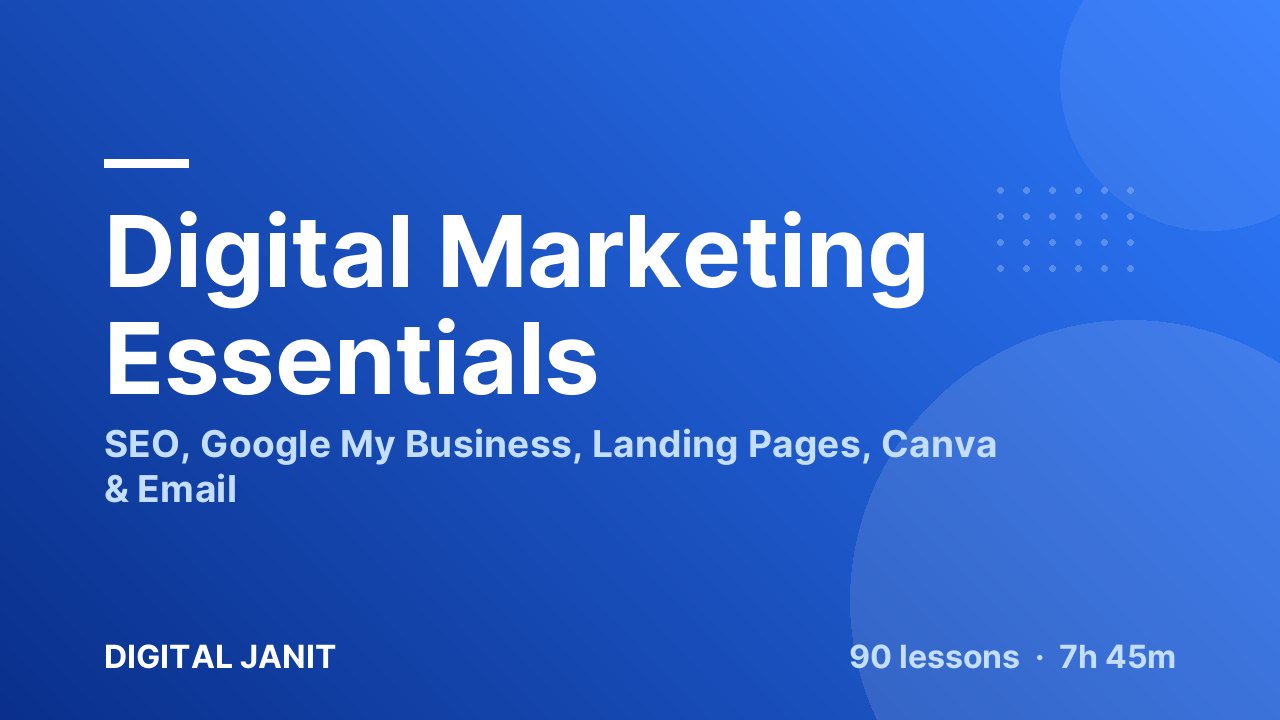
Digital Marketing Essentials — SEO, Google My Business, Landing Pages, Canva & Email
Learn the core of digital marketing in 90 short video lessons: SEO, Google My Business, landing pages on WordPress, Canva, Meta Business Suite and email marketing.
🔒 Secure payment by Razorpay · UPI, cards, netbanking · Lifetime access
 Created by Digital Janit
What you'll learn
- Understand digital marketing channels and how they work together
- Do keyword research and on-page and off-page SEO
- Set up Google Search Console, Google Analytics and Yoast SEO
- Create and optimise a Google My Business profile that wins local customers
- Build a WordPress landing page with a contact form and thank-you page
- Design posts and reels in Canva
- Manage Facebook and Instagram from Meta Business Suite
- Run email campaigns and automation in Brevo
Course curriculum
11 sections · 90 items · 7h 45m01Introduction to Digital Marketing5 items
- 7:29
- 4:20
- Digital Marketing Channels 2:38
- 3:03
- 3:13
02Google My Business17 items
- How to Create Google My Business Profile 6:38
- How To Edit Google My Business Profile 2:30
- How to Add Photos to Your Google My Business Profile 2:01
- Reviews in Google My Business 1:18
- How to Ask for Reviews from Clients on Google My Business 1:24
- How To Check Performance in Google My Business 1:47
- How to Add Products in Google My Business 2:58
- How to add Booking to Google My Business 2:09
- How to Add Questions & Answers in Google My Business 2:45
- How to Post an Updates on Google My Business Profile 4:12
- How to Find a Competitor’s Google My Business Category 2:15
- Business Profile Settings in Google My Business 1:39
- How to Add a New Business Profile in Google My Business 1:27
- How to Give Access to Another User in Google My Business 2:16
- How To Turn On Google My Business Profile Notification 0:59
- How to Contact the Google My Business Help Center 2:56
- Google My Business Checklist 1:12
03Landing Page Development15 items
- 3:38
- Benefits of a Landing Page 4:37
- Types of Landing Pages 4:34
- Key Elements of a Landing Page 4:12
- Landing Page vs Website Development 4:36
- What is Domain and Hosting? 5:57
- Types of Domain Names 3:00
- Upselling and Cross-Selling 4:35
- Landing Page Creation Process 4:12
- Basic Setup on WordPress to Create a Landing Page 4:23
- Home Page Creation for Landing Page 10:13
- How to Create a Contact Form in WordPress 13:37
- Thank You Page Creation and Form Redirection 8:11
- Template-Based Landing Page 9:31
- Make Your Landing Page Responsive 8:02
04Website DevelopmentComing soon
05Canva8 items
- What is Canva 3:23
- Canva Overview 3:12
- Canva Templates: How to Find and Use the Best Templates 4:10
- Canva Editor Part 1 16:56
- Canva Editor Part 2 8:39
- How to Use Templates for Stunning Designs 4:36
- How to Create Amazing Posts in Canva 15:08
- How to Make Stunning Reels in Canva 8:48
06Search Engine Optimization (SEO)17 items
- What is SEO? 4:26
- 4:02
- Types of SEO 3:17
- How Much Time Does It Take to Rank a Website? 5:25
- How Search Engines Work 8:32
- SERP (Search Engine Result Page) 3:42
- SEO Techniques 5:09
- Keyword Research: How to Find the Right Keywords for SEO 7:25
- Google Search Console & Google Analytics 4:43
- Google Search Console vs Google Analytics 3:59
- What is On-Page SEO 4:53
- Off-Page SEO 3:14
- On-Page vs Off-Page SEO 5:49
- Best WordPress Plugins for SEO 2:03
- 2:35
- Types of Off-Page SEO 3:15
- Technical SEO 4:25
07Social Media Marketing2 items
- How to Create Facebook Page 6:05
- Facebook Profile Optimization 4:50
08Meta Business Suite9 items
- Meta Business Suite in Facebook 3:56
- Connect Instagram in Meta Business Suite 2:28
- Notification in Meta Business Suite 1:27
- Inbox in Meta Business Suite 3:46
- Lead Centre in Meta Business Suite 3:30
- Planner in Meta Business Suite 5:55
- Content in Meta Business Suite 5:53
- 3:20
- Insight in Meta Business Suite 4:06
09Facebook AdsComing soon
10Google AdsComing soon
11Email Marketing17 items
- What is Email Marketing 2:19
- Types of Email Marketing 3:01
- How Email Marketing Works 3:14
- Email Marketing Ecosystem 5:36
- How to Create an Account on Mailchimp 6:52
- How to Create an Account on Brevo 5:32
- Contacts in Brevo 6:16
- List in Contacts of Brevo 6:46
- Companies in Contacts of Brevo 7:01
- Forms in Brevo 18:36
- Contact and Companies Attribute, Webhook, Unengaged Content in Brevo 8:54
- 20:10
- Creating Effective Email Content 2:47
- How to Design an Email for Your Campaign 1:55
- Template Statistics and Settings in Brevo Campaigns 9:48
- Sending Your Email Campaign 2:30
- Email Automation in Brevo 12:21
Leave your number and we’ll call you to answer your questions and help you pick the right course.
About this course
Short, practical lessons that take you from “what is digital marketing?” to running real marketing tasks for a business.
90 focused video lessons (about 7h 45m) cover the skills small businesses ask for most: getting found on Google, building a landing page that collects leads, designing posts, managing Facebook and Instagram, and sending email campaigns.
Modules
- Digital marketing basics — channels, benefits and key components
- SEO — 17 lessons: how search works, keyword research, on-page and off-page SEO, Yoast, Search Console and Analytics
- Google My Business — 17 lessons: create, optimise and grow a business profile
- Landing pages on WordPress — 15 lessons: domain basics, contact forms, thank-you pages and responsive design
- Canva — templates, editor, posts and reels
- Facebook page and Meta Business Suite — inbox, lead centre, planner, ads and insights
- Email marketing — Mailchimp and Brevo: contacts, forms, campaigns and automation
Certificate, lifetime access and free doubt sessions included. Enrol now and start your first lesson today.
This course includes
Who this course is for
Requirements
- A phone or laptop with an internet connection
- No marketing or technical experience needed — everything is taught from scratch
Your instructors
Digital Janit
Digital marketing trainer
Janit Yadav
Digital marketing trainerStudent feedback
- 5★4
- 4★0
- 3★0
- 2★0
- 1★0
The Digital Marketing course was very helpful. I learned all the important topics like SEO, Google Ads, social media marketing, email marketing, and more. The teaching was easy to understand, and now I feel confident to work on…
This course helped me understand the basics of digital marketing, including SEO, Google Ads, and social media. I now feel confident applying these skills to real-world projects.
Good to listen and well understood
Before enrolling in these Digital Marketing courses, I had little to no experience in this field. However, after completing them, I now have a solid understanding of various aspects such as SEO, Facebook Ads, Email Marketing, and more.…
The Digital Marketing course was taught in a very clear and effective way. Our instructor explained every topic in detail, which made it easy to understand—even as a beginner. The course covered everything from SEO and social media…
I had no prior experience in creating landing pages or designing layouts. But after learning through Canva tutorials and exploring their landing page templates, I realized it's not as difficult as it seemed. These courses taught me how…
At first, I had no idea how email marketing worked or why it was important. But after learning the basics through online courses and tutorials, I understood how to write engaging subject lines, design email templates, and track…
Before starting these digital marketing courses, I had no clear idea about how online marketing works. But after learning step by step, I now understand SEO, social media, email marketing, Google Ads, and more. The teaching was easy…
The Digital Marketing interview Q&A session was incredibly helpful in preparing me for interviews. I learned how to answer key questions on topics like SEO, Google Ads, and social media marketing in a simple and effective way. The…
Attending the Digital Marketing interview Q&A session was very helpful. It gave me clear insights into common interview questions and how to answer them with confidence. I learned how to explain my skills in SEO, Facebook Ads, Email…
I didn’t know much about Digital Marketing before this course. But after completing it, I gained a solid understanding of SEO, Google Ads, and Social Media Marketing. The course was very easy to follow, and I learned practical…
Before taking the SEO course, I had no knowledge of how search engines work. Now, I understand how to optimize websites with on-page, off-page, and technical SEO. This course has been essential in improving my digital marketing skills…
Share this course, earn 10%
Know someone who’d like this course? They get 10% off, and you earn 10% of what they pay. Use it on courses or withdraw it by UPI.
Frequently asked questions
Do I need any experience to join?
No. Courses start from the basics and build up step by step, so complete beginners can follow along.
Which language is this course in?
Our courses are taught in Hindi or English. Check the language tag at the top of the page.
Will I get a certificate?
Yes. Complete all lessons and quizzes in the course to download your certificate. Anyone can check it on our verification page.
How do I access the course after enrolling?
Log in any time and open Courses in your dashboard to continue where you left off, on mobile or laptop.
How can I pay?
Pay securely with UPI, debit or credit card, or netbanking through Razorpay.
What is the refund policy?
Please read our cancellation and refund policy before you enroll.
Cancellation & refund policy →Ready to start learning?
Join Digital Marketing Essentials — SEO, Google My Business, Landing Pages, Canva & Email and build real, job-ready skills.