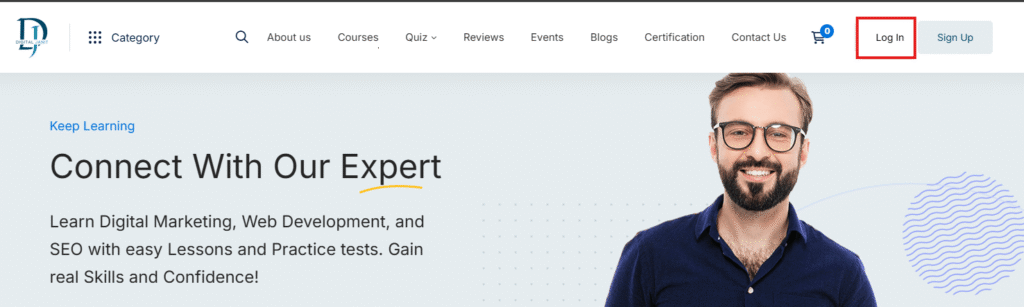
Step 1: Click the login button to proceed. Login Url
Step 2: Enter your credentials, then click the login button.

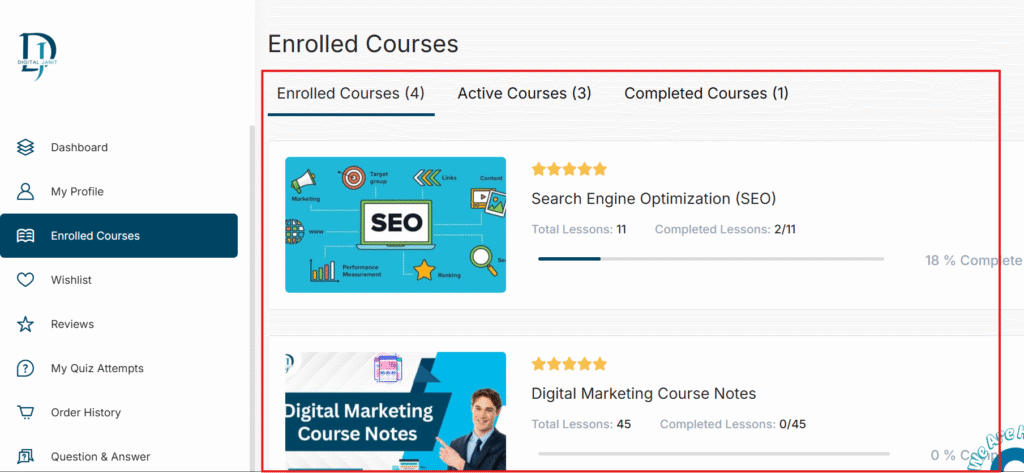
Step 3: After logging in, you will see the dashboard. On the dashboard, click on ‘Enrolled Courses’ or find ‘Enrolled Courses’ in the left menu and click it.

Step 4: Now, you will see a list of all your enrolled courses. Click on the course you want to start learning.
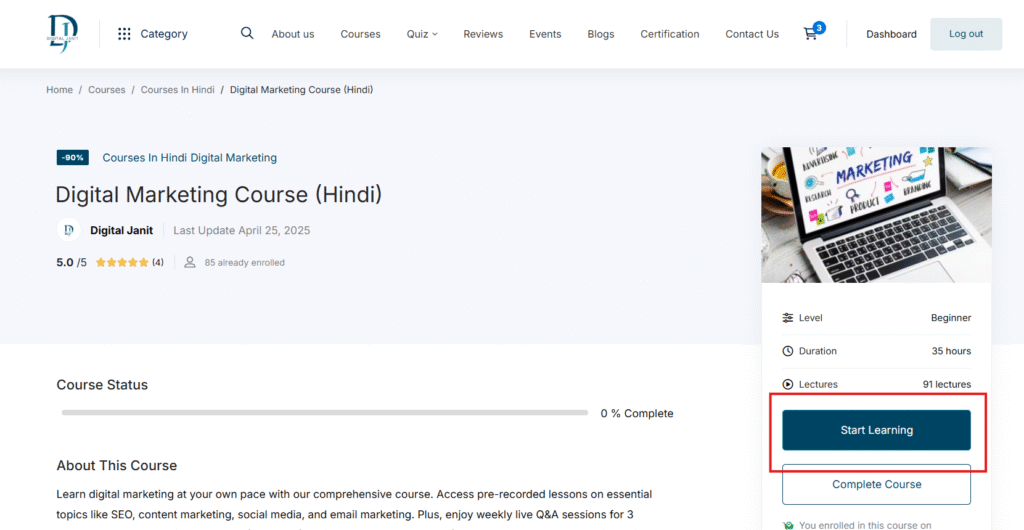
Step 5: Now you will be on the course page. Click the ‘Start Learning’ button to begin.
Step 6: Now, you will see the full course content. On the left side, click on the lesson you want to study and begin learning.

Now, you will see the full course content. On the left side, click on the lesson you want to study and begin learning.
Free downloads
Found this useful? Get our free cheatsheets
SEO cheatsheet, Google Business checklist and a full course guide. Enter your WhatsApp number to download them instantly.